

POS software
Sales, stock, staff permissions and the day’s report in one till.

Unimarket builds the till, the card payment and the MRA EIS invoice as one system, so each sale is entered once. Designed and supported from Blantyre.
The back office lists each sale as the till closes it. Open one to see its lines, the VAT, how it was paid and whether MRA EIS accepted the invoice.
See the POS and EIS workflowSales, stock, staff permissions and the day’s report in one till.
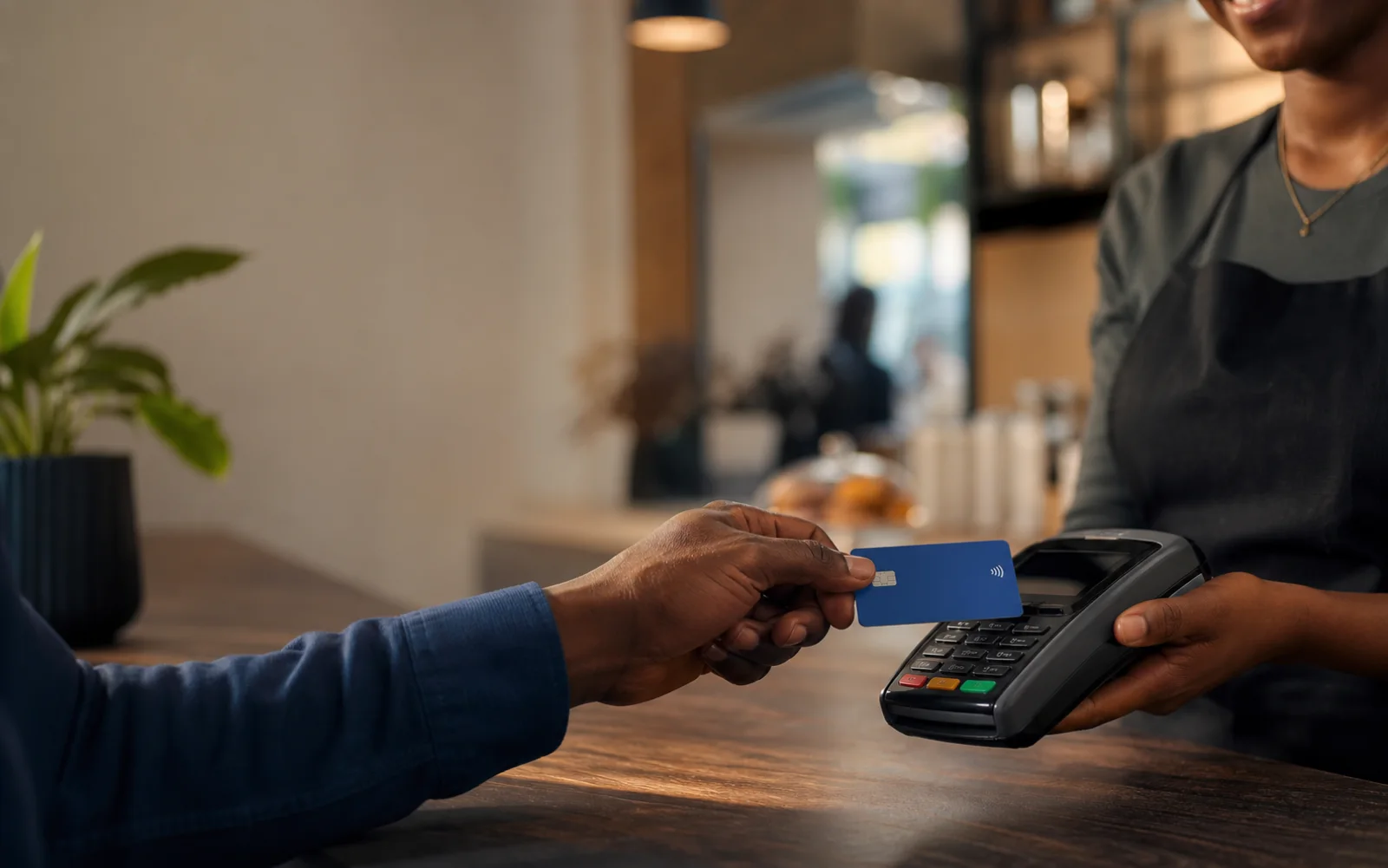
The card payment is recorded against the sale it pays for, with its reference.
Each invoice goes to MRA EIS from the sale, with its state on screen.

Systems that replace spreadsheets and hand-offs, with access set by role.

When the cashier closes a sale, the card payment, the stock count, the MRA EIS invoice, the day’s report and the accounts all change with it.
Nobody types the sale a second time, so the totals agree at the end of the day.
See the five stepsThe till, the card terminal and MRA EIS share one record of each sale, from the first scan to the accepted invoice.
We watch the counter at work, then write down the scope and the decisions.

You test the screens before full development, then we build what you approved.
We connect MRA EIS and the terminals, train staff and stay on after launch.

We confirm the current MRA requirements with you, map how sales, returns and corrections become invoices, then connect and test before go-live.
Often, yes. It depends on the terminal and the payment provider, so we check both before planning the work.
No. We can connect to the system you run today, replace one part of it, or build new where nothing fits.
A screen or tablet, a receipt printer and a card terminal. We confirm the models when we scope the work.
We plan that case before building: how invoices wait, when they are sent again and what staff see meanwhile.